
Forex Pivot Point Calculator Free Download

Overview
This indicator displays pivot points in the chart and supports many calculation modes for Pivot Points and S/R levels
- It plots historical levels for backtesting purposes
- It allows you to select the reference timeframe
- It implements different Pivot Point calculation modes
- It implements different SR calculation modes
- It implements customizable colors and sizes
Pivot Point calculation modes
- (H+L+C)/3
- (H+L+O)/3
- (H+L+C+O)/4
- (H+L+C+C)/4
- (H+L+O+O)/4
- (H+L)/2
- (H+C)/2
- (L+C)/2
SR Levels calculation modes
Classic Formula:
- R4 = R3 + (High – Low)
- R3 = R2 + (High – Low)
- R2 = PP + (High – Low)
- R1 = (2 * PP) – Low
- S1 = (2 * PP) – High
- S2 = PP – (High – Low)
- S3 = S2 – (High – Low)
- S4 = S3 – (High – Low)
Woodie Pivot Points:
- R4 = R3 + (High – Low)
- R3 = High + 2 * (PP – Low)
- R2 = PP + (High – Low)
- R1 = (2 * PP) – Low
- S1 = (2 * PP) – High
- S2 = PP – (High – Low)
- S3 = Low – 2 * (High – PP)
- S4 = S3 – (High – Low)
Camarilla Pivot Points:
- R4 = PP + (High – Low) * 1.1/2
- R3 = PP + (High – Low) * 1.1/4
- R2 = PP + (High – Low) * 1.1/6
- R1 = PP + (High – Low) * 1.1/12
- S1 = PP – (High – Low) * 1.1/12
- S2 = PP – (High – Low) * 1.1/6
- S3 = PP – (High – Low) * 1.1/4
- S4 = PP – (High – Low) * 1.1/2
Screenshots


Input Parameters

When loading the indicator or EA to any chart, you will be presented with a set of options as input parameters. Don't despair if you think they are too many, because parameters are grouped into self-explanatory blocks.
PP Calculation Mode
Select the Pivot Points calculation mode desired
S/R Calculation Mode
Select the SR calculation mode desired
Timeframe
Choose the timeframe to calculate pivot points from
Mid Points
Display or hide mid points between SR levels
Color of S levels
Color of support levels
Color of R levels
Color of resistance levels
Color of P level
Color of pivot point levels
Font size
Font size for name and price labels
HOW TO INSTALL METATRADER INDICATORS ON MT4
Installing indicators on MT4 comes down to:
- Downloading the files (.ex4 and .mq4 formats) – Right click the download button and Save link as…
- Placing them in the MT4 "Indicators" Data Folder
- Closing and re-starting your MT4 terminal
- Dragging you indicator from the Navigator to the Forex Chart
Downloading the indicator.
Download and prepare the MT4 indicator file(s) so they are ready to go on your computer. (Please note that some custom indicators will come in a .rar file, so make sure to extract the .ex4 and .mq4 files).
Go back to your Metatrader 4 platform, click the File Tab and select "Open Data Folder" to get access to the system folders for the MT4 program:

Placing them in the MT4 "Indicators" Data Folder.
Go to the "MQL4" folder and the "Indicator" subfolder and open the folder.

Drag or copy and paste the custom indicators files to the "Indicators" subfolder.

Restart the MT4 program. When MT4 loads again, you should see your custom indicator added to the directory in the navigation window.
Go to the navigation window and scroll down the menu to "Indicators", pick the one you want to use and drag it to your chart.
For a video on how to install you MT4 indicators please visit our Youtube channel.
Preferred MT4 Broker – 
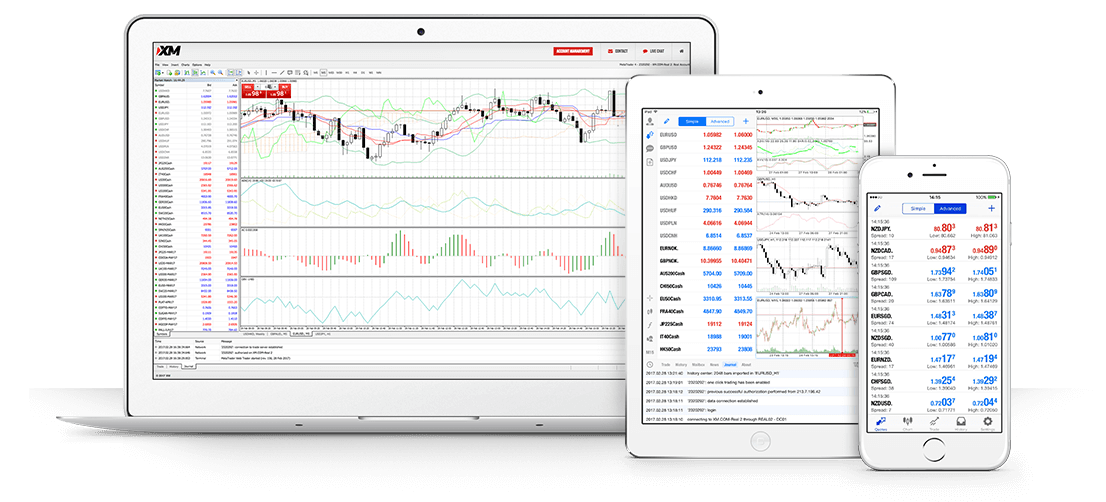
Explore the markets with MetaTrader 4 – The world's most widely used trading platform. Simple and intuitive for beginners yet highly customisable and full of advanced features for professionals, MT4 is free for all XM clients and compatible with all major devices and operating systems.
There is a reason why over 3.5 Million Clients Choose XM for Forex Trading, Stock Indices Trading, Commodity Trading, Stocks, Metals and Energies Trading.
High liquidity. Fast execution. Exceptional pricing
Open your account. Trade within minutes. Full Review here

Trevor Woodmanhttps://www.metatraderindicators.com
MetatraderIndicators.com was developed by Forex traders for traders. We wasted hours, probably years, looking for indicators, software and Forex broker reviews. Metatraderindicators.com is a hub for technical traders. It represents years of work, knowledge and experience. Enjoy and stay true to your passion.
Forex Pivot Point Calculator Free Download
Source: https://metatraderindicators.com/pivot-points-4-0/
0 Response to "Forex Pivot Point Calculator Free Download"
Post a Comment